How to change project status? (Pro)

John
Last Update 4 months ago
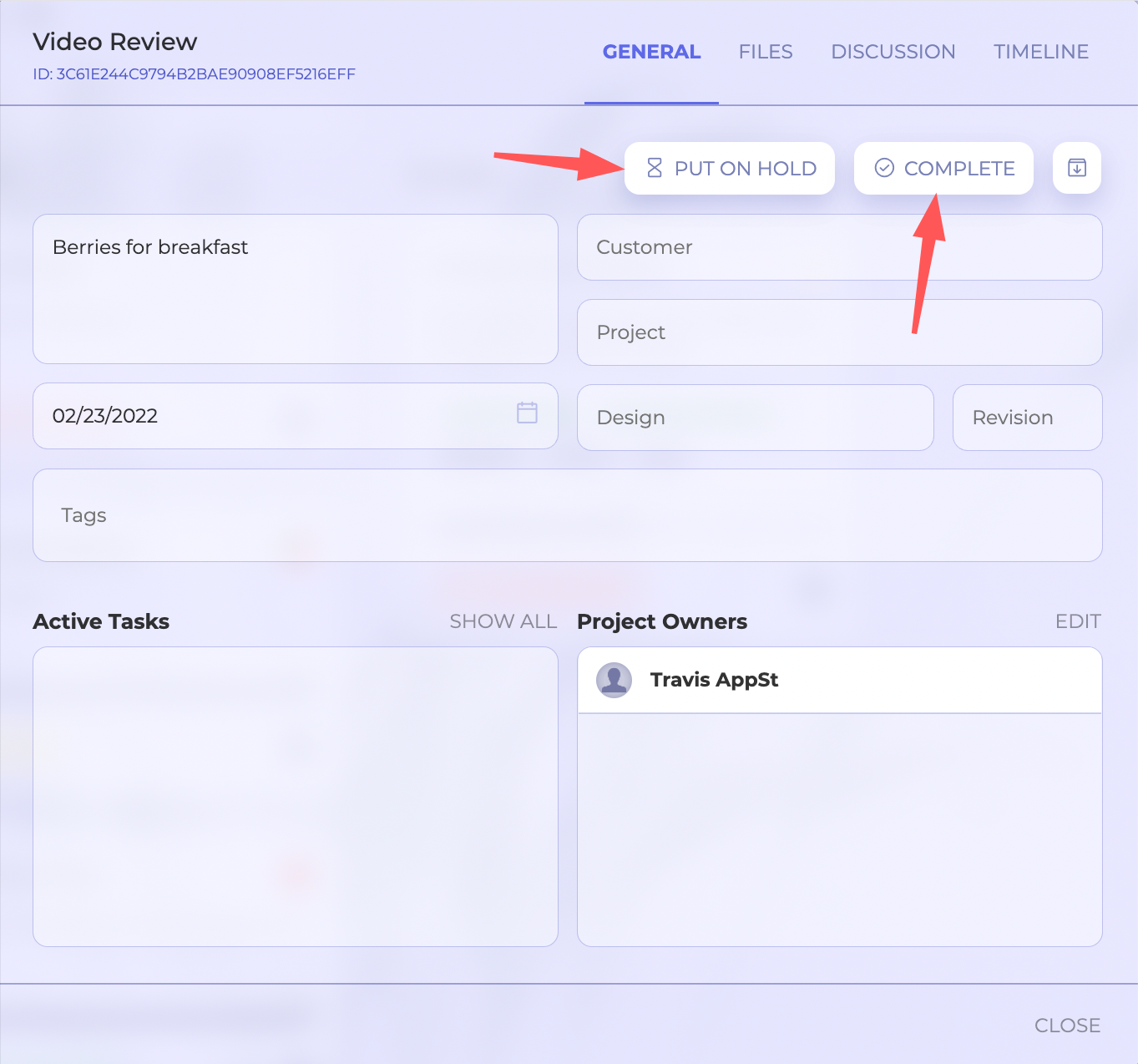
To change project status users need to click on the project to open project details. Then, on the upper-right corner of the window, there are status buttons to put the project on hold (or unhold) or complete (or reactivate) it.

Note that depending on the current project status option under the drop-down menu will differ. Only the project owner can change the project status.